
Free analysis • no login required
Personal ColorAnalysis
Upload a clear front-facing photo to get your personal color report: undertone, value, chroma, contrast, and season match with palette tips. Then try it on in AI Studio.
Upload Portrait
Analysis Language
Browser extension is now online
Add to ChromeTry on clothes from any websiteHover product images on shopping sites, try them on with your reference portrait, and keep the results in your COLOR ART gallery.
AI Studio turns your palette into visual tests
AI Studio is for people who already have a color direction and want to see it on real images before changing clothes, makeup, or campaign visuals. Upload a portrait, choose palette colors, and preview controlled image variations instead of guessing from swatches.
What it does
Generates color try-ons and styling variations from an uploaded image.
Who it helps
Shoppers, creators, stylists, and anyone testing a palette before making a visual decision.
Problem it solves
Replaces abstract color advice with image previews you can compare before committing.
Seasonal Palette makes the 12 seasons easier to compare
Seasonal Palette is for users who want to see how every seasonal direction changes the same portrait. Upload one image and generate scarf or palette-board views for all 12 seasons, so warm, cool, light, deep, soft, and bright differences become visible.
What it does
Creates 12 seasonal scarf or palette-board previews from one uploaded portrait.
Who it helps
Color analysis users, consultants, and creators who need fast side-by-side seasonal references.
Problem it solves
Makes seasonal differences visible without setting up manual drapes or separate mockups.
Why personal color analysis matters
Most color mistakes do not start in your closet.
They start when you are forced to guess from store lighting, trend posts, and someone else's palette. That is why the same person can look polished in one shade and tired in another without understanding why.
Instead of guessing from mirrors, makeup counters, or mood boards, you get a report built around your own undertone, value, chroma, and contrast. That makes the next purchase, the next makeup choice, and the next photoshoot easier to judge.
Problem 01
Store lighting changes the answer
A color can seem flattering under warm fitting-room lights and fall flat in daylight. Without a stable baseline, shopping becomes trial and error.
Problem 02
Makeup shades keep missing
Foundation, lipstick, and blush often fail for the same reason clothing does: the undertone or intensity is close, but not truly in harmony with your features.
Problem 03
Good advice stays too vague
Words like warm, cool, soft, or bright only help when they are tied back to your face. Personal color analysis turns those labels into something you can actually use.
Online personal color analysis gives you a stable reference point.
What's inside COLOR ART
What the platform actually gives you
Not just a season label. COLOR ART gives you a working personal color analysis flow that starts with one portrait and ends with styling you can test in AI Studio.
Step 01
Portrait analysis
Read the facial color signals that matter most for personal color analysis.
- Evaluate undertone direction from the portrait itself
- Measure lightness, depth, and visible contrast cues
- Filter weak photo setups with quality checks
Step 02
Season matching
Translate those signals into a clear color season analysis shortlist.
- Rank top season matches instead of forcing one guess too early
- Explain why one direction fits better than another
- Keep the result readable for both beginners and pros
Step 03
Palette guidance
Turn the result into best colors, avoid colors, and practical styling notes.
- See wearable colors near your face first
- Get warning shades that flatten or overpower you
- Use the report for wardrobe, makeup, and photography planning
Step 04
AI Studio styling
Carry the analysis into AI Studio and test color directions before committing.
- Preview multiple clothing colors on your image
- Compare safer and bolder directions side by side
- Keep exploring after the first report instead of stopping there
From One Portrait To A Usable Color Report
1. Upload Portrait
Upload one clear portrait to start your color analysis test with photo quality checks built in.
2. Analyze Signals
The system reads undertone, value, chroma, and contrast to build your color season analysis shortlist.
3. Read The Report
See top matches, best colors, avoid colors, and styling notes you can use right away.
4. Try It In AI Studio
Move from analysis to application by testing color directions on outfits and visual styling ideas.
What Your Personal Color Analysis Report Includes
The report is designed to answer the practical question behind every color decision: what should you wear, what should you skip, and why?
See whether your portrait reads warmer, cooler, or more balanced overall. This helps explain why certain makeup bases, metals, and near-face colors look clearer on you than others.
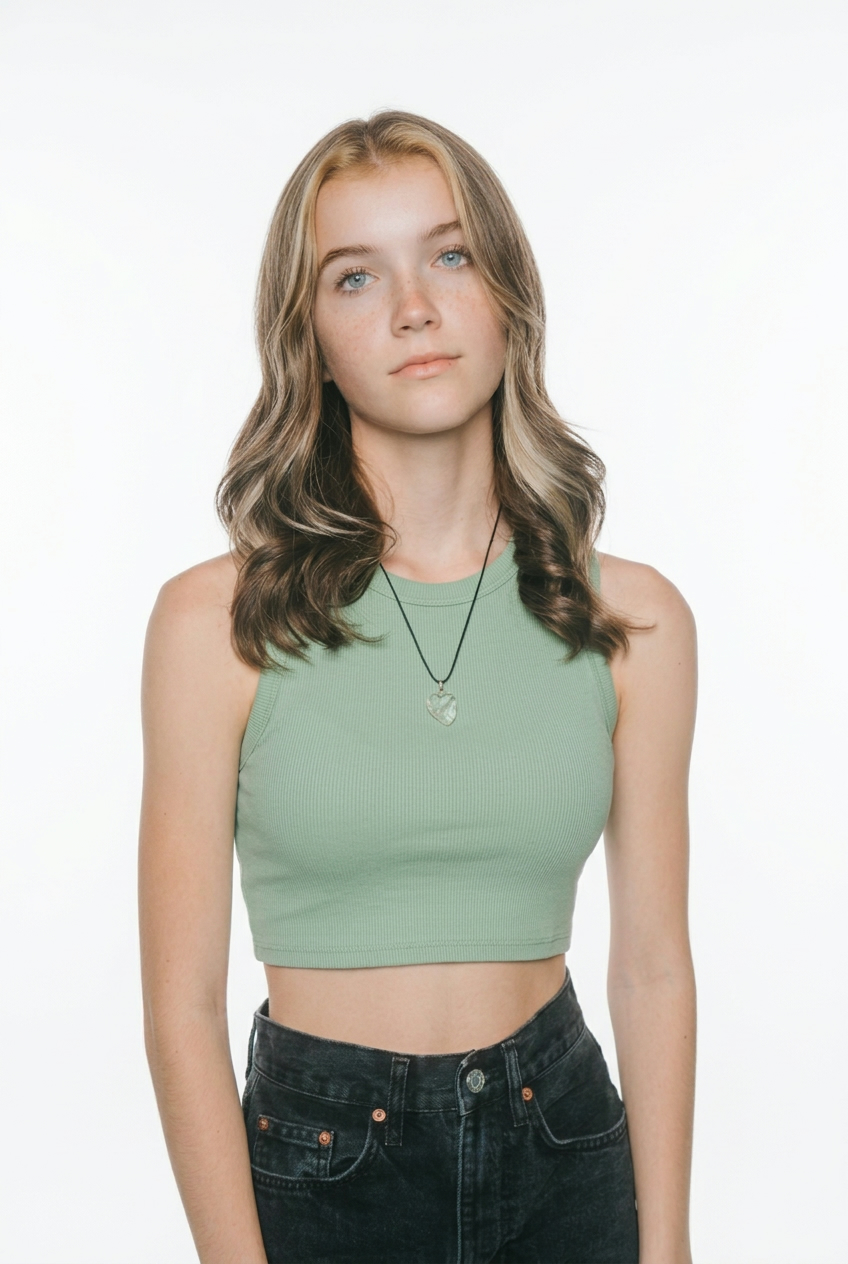
Before
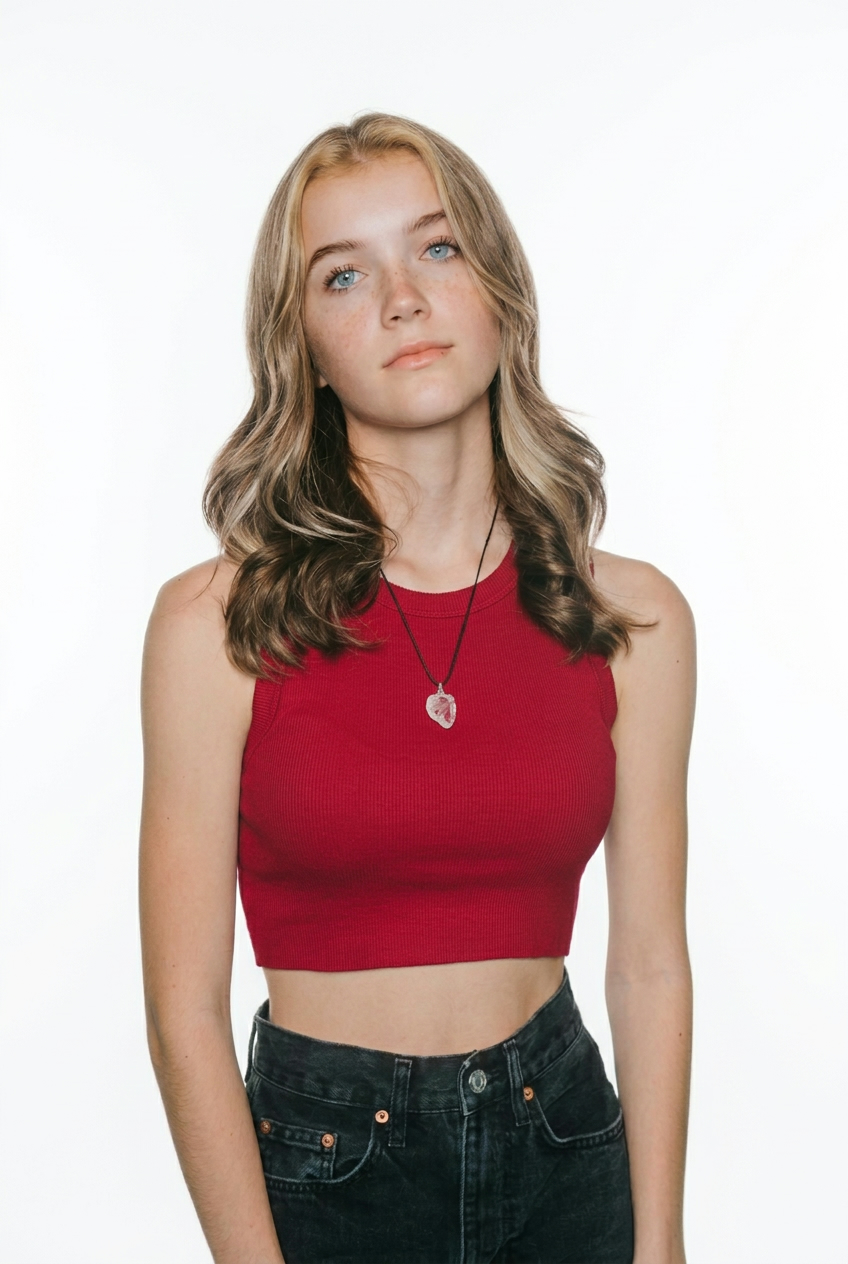
Bright Spring Direction
Case Study: Elena R.
Why the old
colors failed
“Elena used to choose dusty gray, taupe, and icy blue because they looked safe. Her report showed that the issue was not effort, but direction. Once the analysis pointed her toward Bright Spring, clearer warm colors stopped muting her features and started giving structure back to her face.”
Season match, swatches, and styling notes included
Where theresult goes
Real outfits powered by personal color analysis

Dating
Main
Support
Accent

Business
Main
Support
Accent

Photography
Main
Support
Accent
Go deeper after the test
Use these guides to understand undertone, compare online and offline color analysis, and turn a season result into a wearable palette.
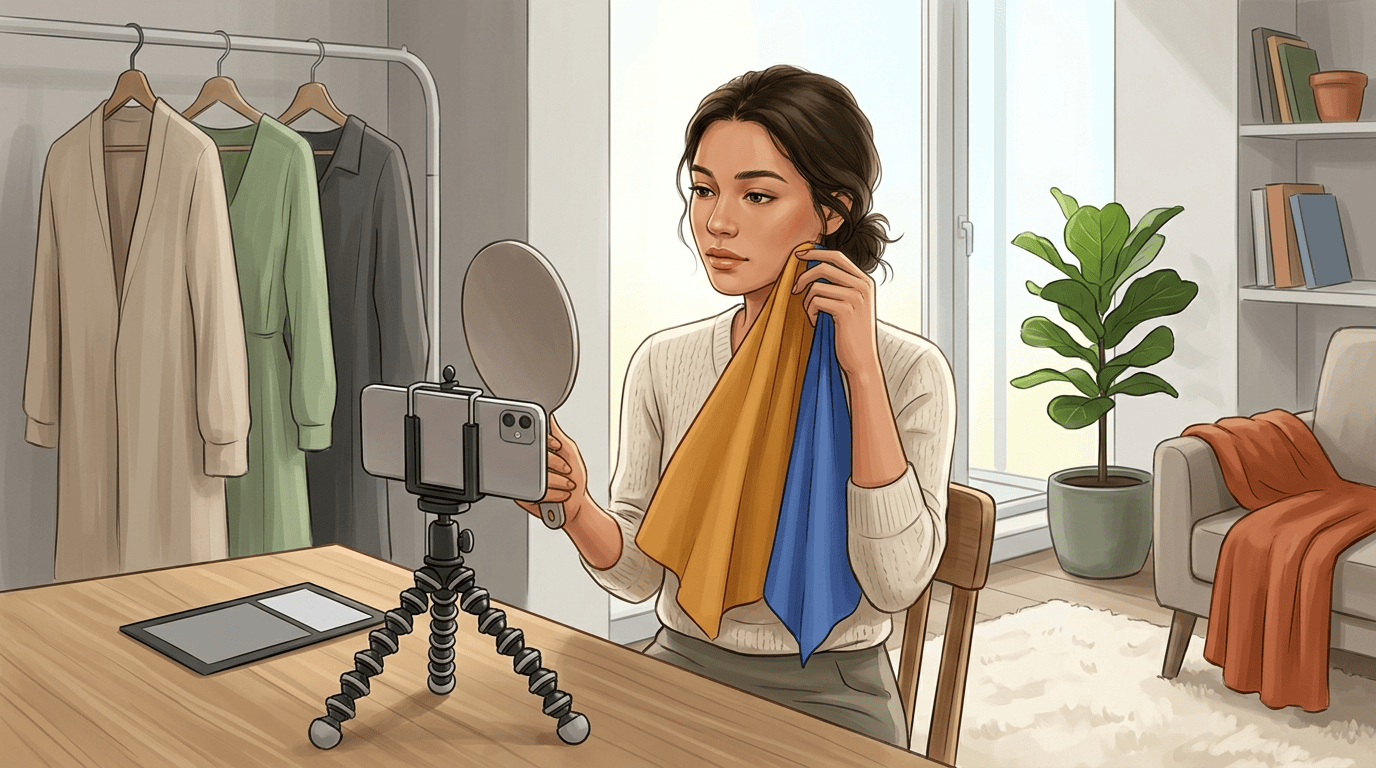
Published Mar 22, 2026
How to Do Color Analysis: A Practical Guide to Finding Your Best Colors
A practical color analysis tutorial covering 4, 12, and 16 season systems, at-home draping, photo setup mistakes, and how to turn your result into a wearable palette.
Published Mar 20, 2026
How to Find Your Skin Undertone
A practical guide to using the wrist vein test, jewelry test, white paper test, and foundation history to spot warm, cool, or neutral undertones.
Published Mar 18, 2026
Color Analysis: Offline vs Online
A practical guide to choosing between in-person and online color analysis based on accuracy, convenience, budget, and how you plan to use the results.
Common Questions
How does the personal color analysis work?
The system evaluates your portrait across four signals: undertone, value, chroma, and contrast. It then maps those signals to a color season analysis shortlist and turns the result into best colors, avoid colors, and styling guidance you can apply immediately.
Does this work for every skin tone?
Yes. Personal color analysis is meant to work across different skin tones, hair colors, and contrast levels. The important part is using a clear portrait, because lighting quality affects any visual analysis workflow.
What do I actually get in the report?
You get a personal color analysis report with undertone direction, value and contrast clues, a season shortlist, best colors, avoid colors, and practical notes for wardrobe, makeup, and image planning.
How long does the color analysis test take?
Most users can upload a portrait and receive their color analysis result within minutes. The main variable is photo quality, because clearer images produce faster and more stable outcomes.
Is color analysis free?
Yes. You can complete one color analysis in the same browser without signing in. Sign in to run unlimited color analysis. AI Studio still uses credits when you choose image-based styling or color try-ons.
Start Your PersonalColor Analysis
One portrait is enough to begin. Get a clear report first, then take the result into AI Studio whenever you want to test colors in real-life styling.