
Problem 01
Store lighting changes the answer
A color can seem flattering under warm fitting-room lights and fall flat in daylight. Without a stable baseline, shopping becomes trial and error.
Upload one clear portrait and get a personal color analysis report with undertone, value, chroma, contrast, season match, and practical palette guidance. Then carry the result into AI Studio to test colors in real-life styling.
1 portrait • free analysis • report in minutes
Read the signals behind your palette.
See season matches plus best and avoid colors.
Move from report to wardrobe, makeup, and AI Studio.
Why personal color analysis matters
They start when you are forced to guess from store lighting, trend posts, and someone else's palette. That is why the same person can look polished in one shade and tired in another without understanding why.
Instead of guessing from mirrors, makeup counters, or mood boards, you get a report built around your own undertone, value, chroma, and contrast. That makes the next purchase, the next makeup choice, and the next photoshoot easier to judge.
Problem 01
A color can seem flattering under warm fitting-room lights and fall flat in daylight. Without a stable baseline, shopping becomes trial and error.
Problem 02
Foundation, lipstick, and blush often fail for the same reason clothing does: the undertone or intensity is close, but not truly in harmony with your features.
Problem 03
Words like warm, cool, soft, or bright only help when they are tied back to your face. Personal color analysis turns those labels into something you can actually use.
What's inside COLOR ART
Not just a season label. COLOR ART gives you a working personal color analysis flow that starts with one portrait and ends with styling you can test in AI Studio.
Step 01
Read the facial color signals that matter most for personal color analysis.
Step 02
Translate those signals into a clear color season analysis shortlist.
Step 03
Turn the result into best colors, avoid colors, and practical styling notes.
Step 04
Carry the analysis into AI Studio and test color directions before committing.
Upload one clear portrait to start your color analysis test with photo quality checks built in.
The system reads undertone, value, chroma, and contrast to build your color season analysis shortlist.
See top matches, best colors, avoid colors, and styling notes you can use right away.
Move from analysis to application by testing color directions on outfits and visual styling ideas.
The report is designed to answer the practical question behind every color decision: what should you wear, what should you skip, and why?
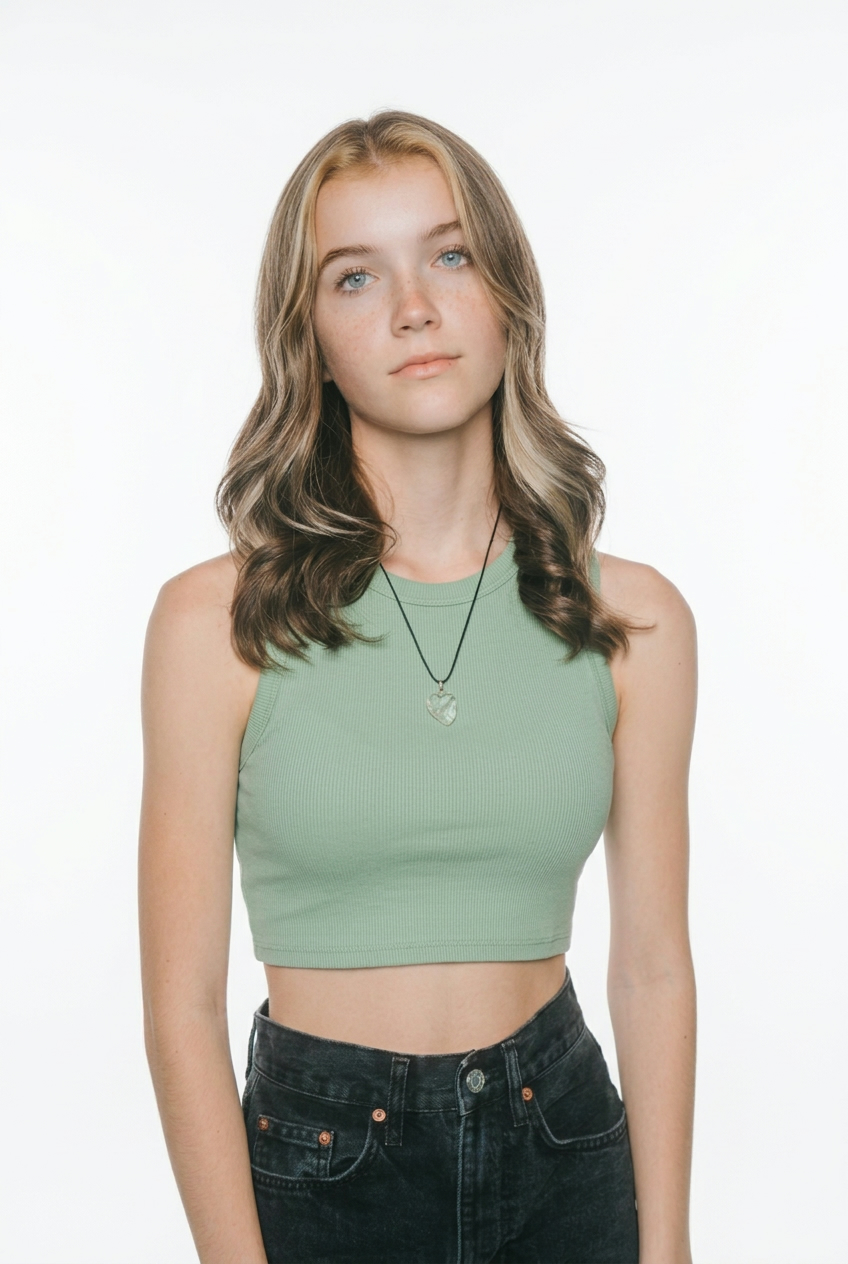
Before
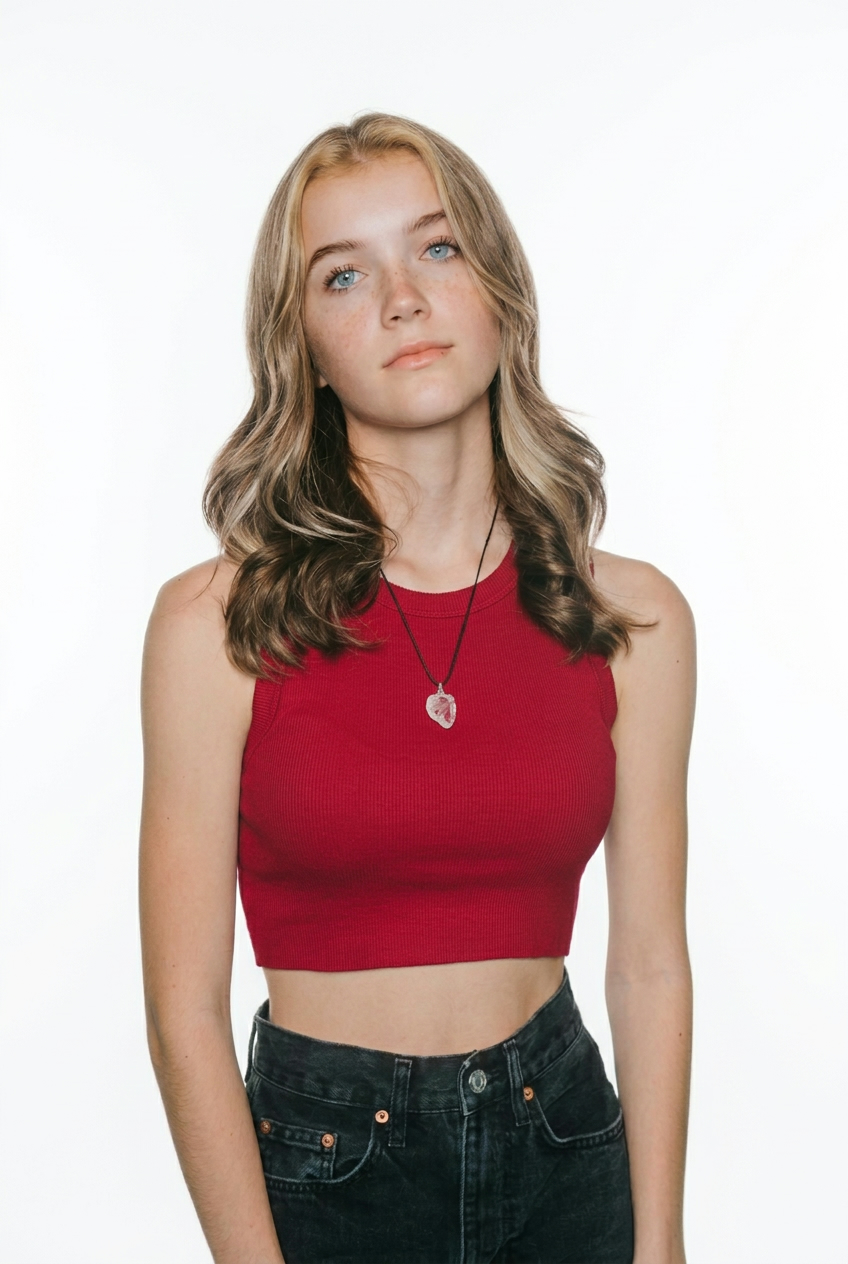
Bright Spring Direction
Case Study: Elena R.
“Elena used to choose dusty gray, taupe, and icy blue because they looked safe. Her report showed that the issue was not effort, but direction. Once the analysis pointed her toward Bright Spring, clearer warm colors stopped muting her features and started giving structure back to her face.”
Season match, swatches, and styling notes included
Real outfits powered by personal color analysis

Main
Support
Accent

Main
Support
Accent

Main
Support
Accent
The homepage promise stays deliberately narrow: one portrait is enough to start, the report is free, and the interface already supports multiple languages once you enter the app.
enough to start a personal color analysis report
no subscription required for the core report
available across the product experience today
Use these guides to understand undertone, compare online and offline color analysis, and turn a season result into a wearable palette.
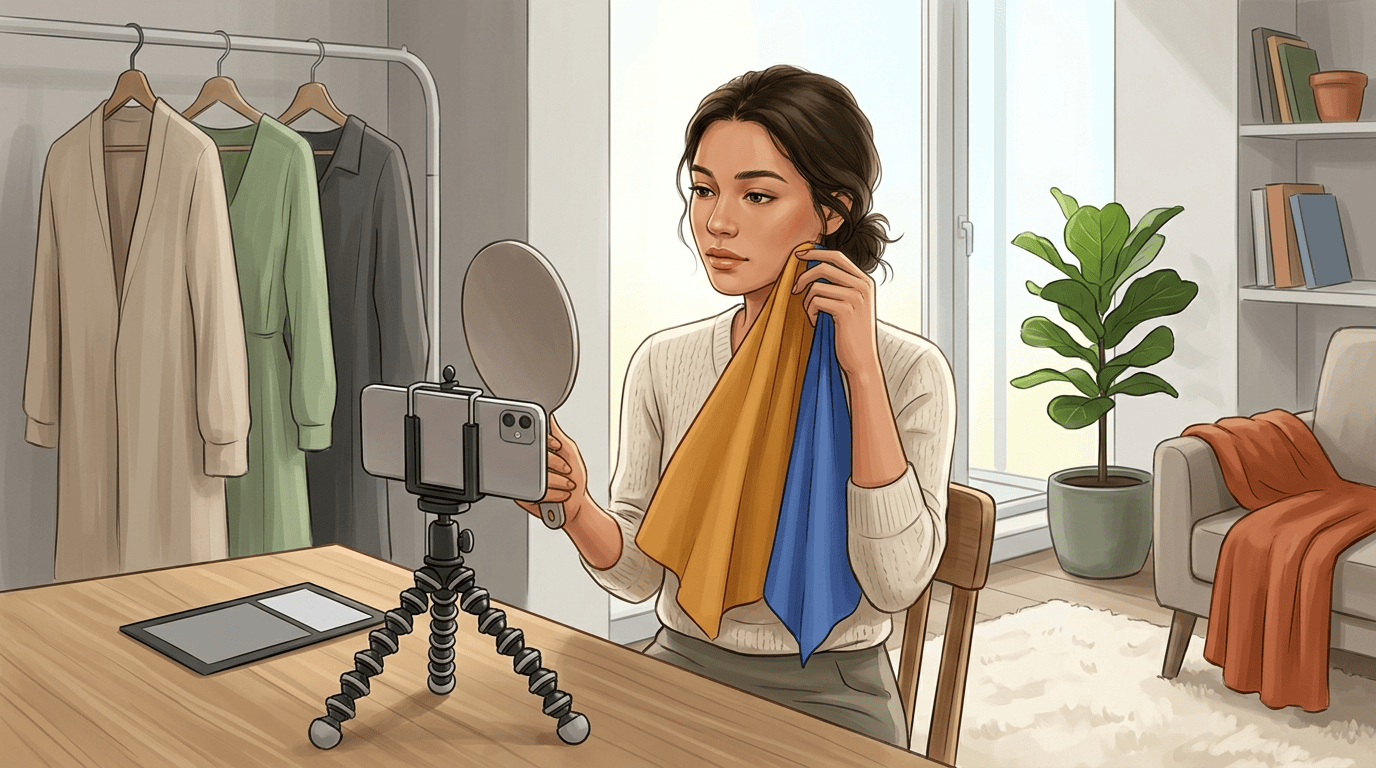
Published Mar 22, 2026
A practical color analysis tutorial covering 4, 12, and 16 season systems, at-home draping, photo setup mistakes, and how to turn your result into a wearable palette.
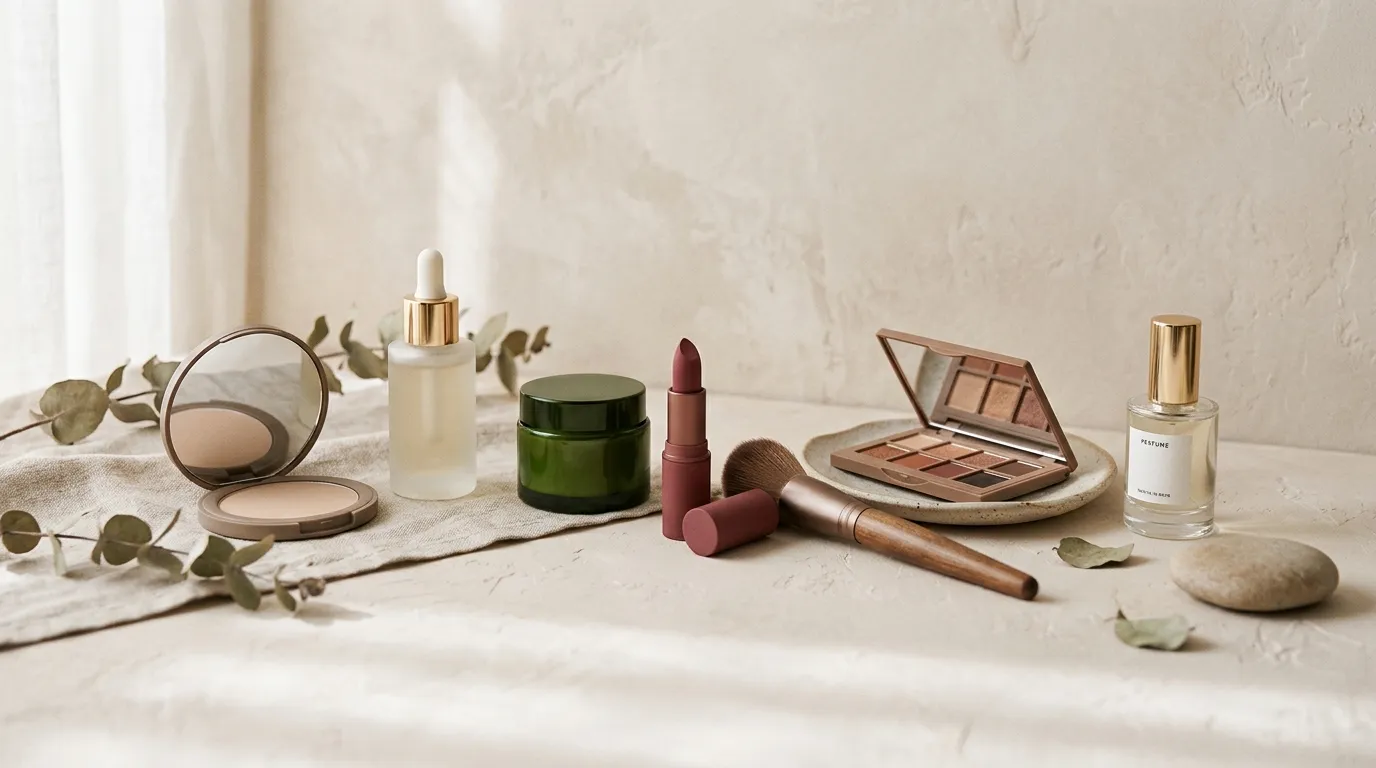
Published Mar 20, 2026
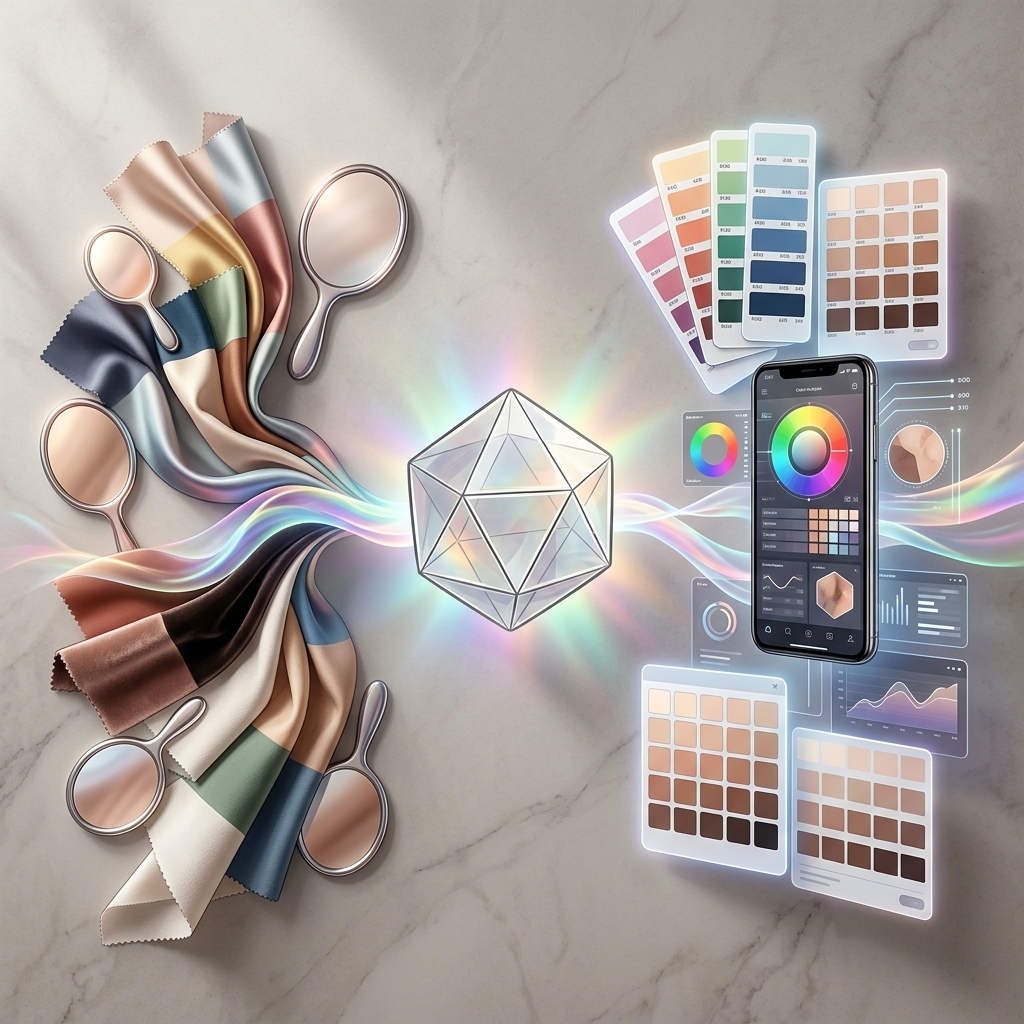
A practical guide to using the wrist vein test, jewelry test, white paper test, and foundation history to spot warm, cool, or neutral undertones.
Published Mar 18, 2026
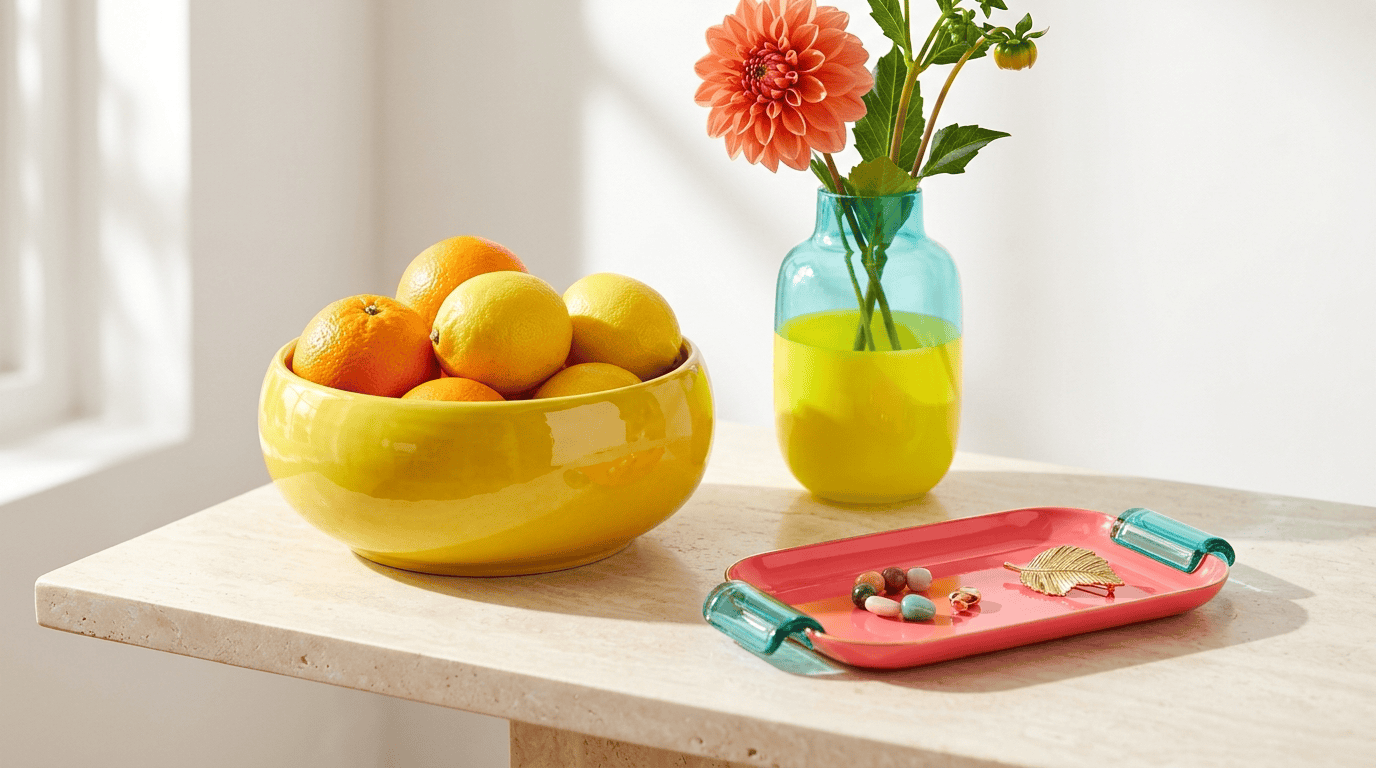
A practical guide to choosing between in-person and online color analysis based on accuracy, convenience, budget, and how you plan to use the results.
Published Mar 24, 2026
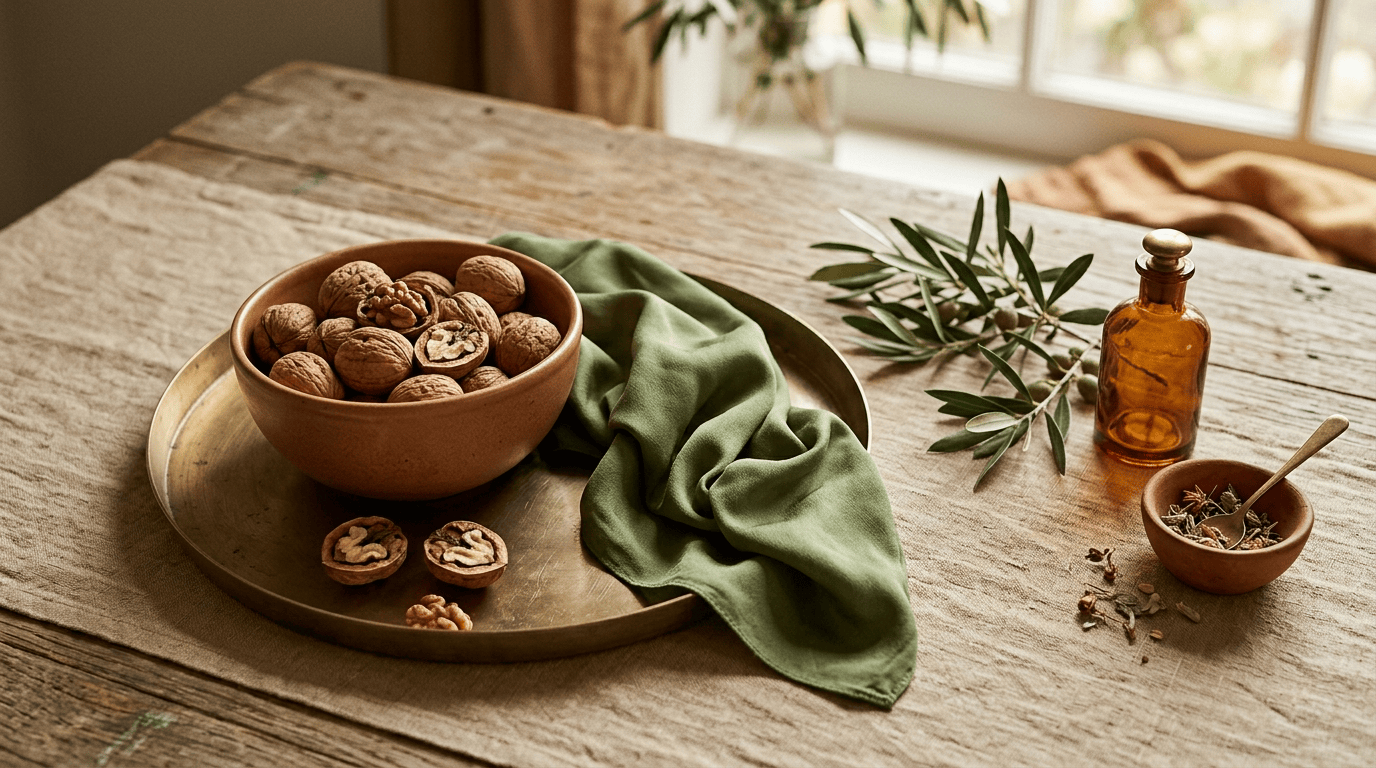
A fast Bright Spring reference with self-check traits, best colors, metal direction, hair color ideas, and what to avoid first.
Published Mar 24, 2026
A fast Soft Autumn reference with self-check traits, best colors, metal direction, hair color ideas, and what to avoid first.
The system evaluates your portrait across four signals: undertone, value, chroma, and contrast. It then maps those signals to a color season analysis shortlist and turns the result into best colors, avoid colors, and styling guidance you can apply immediately.
Yes. Personal color analysis is meant to work across different skin tones, hair colors, and contrast levels. The important part is using a clear portrait, because lighting quality affects any visual analysis workflow.
You get a personal color analysis report with undertone direction, value and contrast clues, a season shortlist, best colors, avoid colors, and practical notes for wardrobe, makeup, and image planning.
Most users can upload a portrait and receive their color analysis result within minutes. The main variable is photo quality, because clearer images produce faster and more stable outcomes.
The core personal color analysis report is free. AI Studio is the optional next step for image-based styling and color testing, and that is the part that uses credits when you choose to keep exploring there.
One portrait is enough to begin. Get a clear report first, then take the result into AI Studio whenever you want to test colors in real-life styling.